Dashboards
Dashboards for paper-based work.
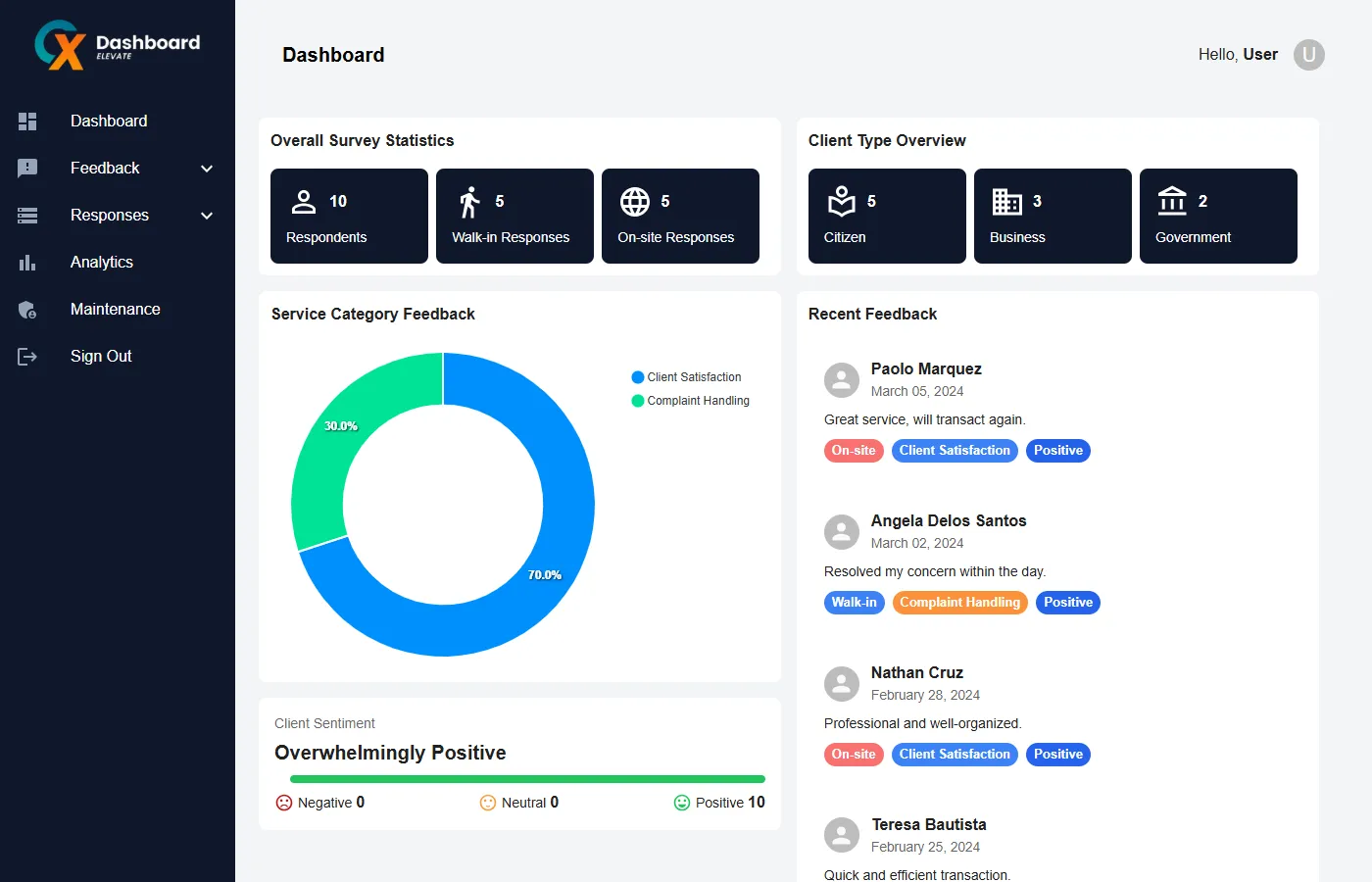
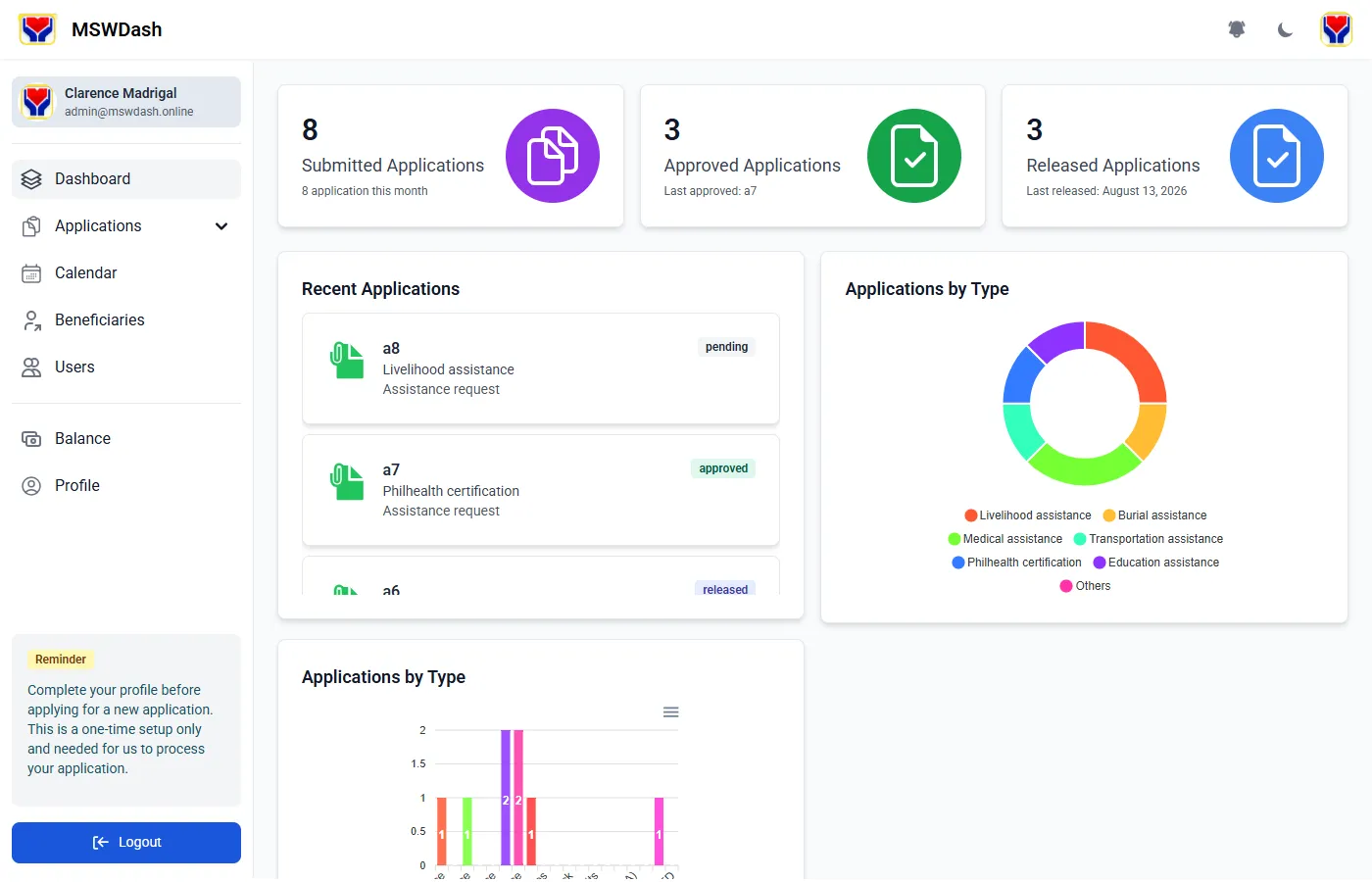
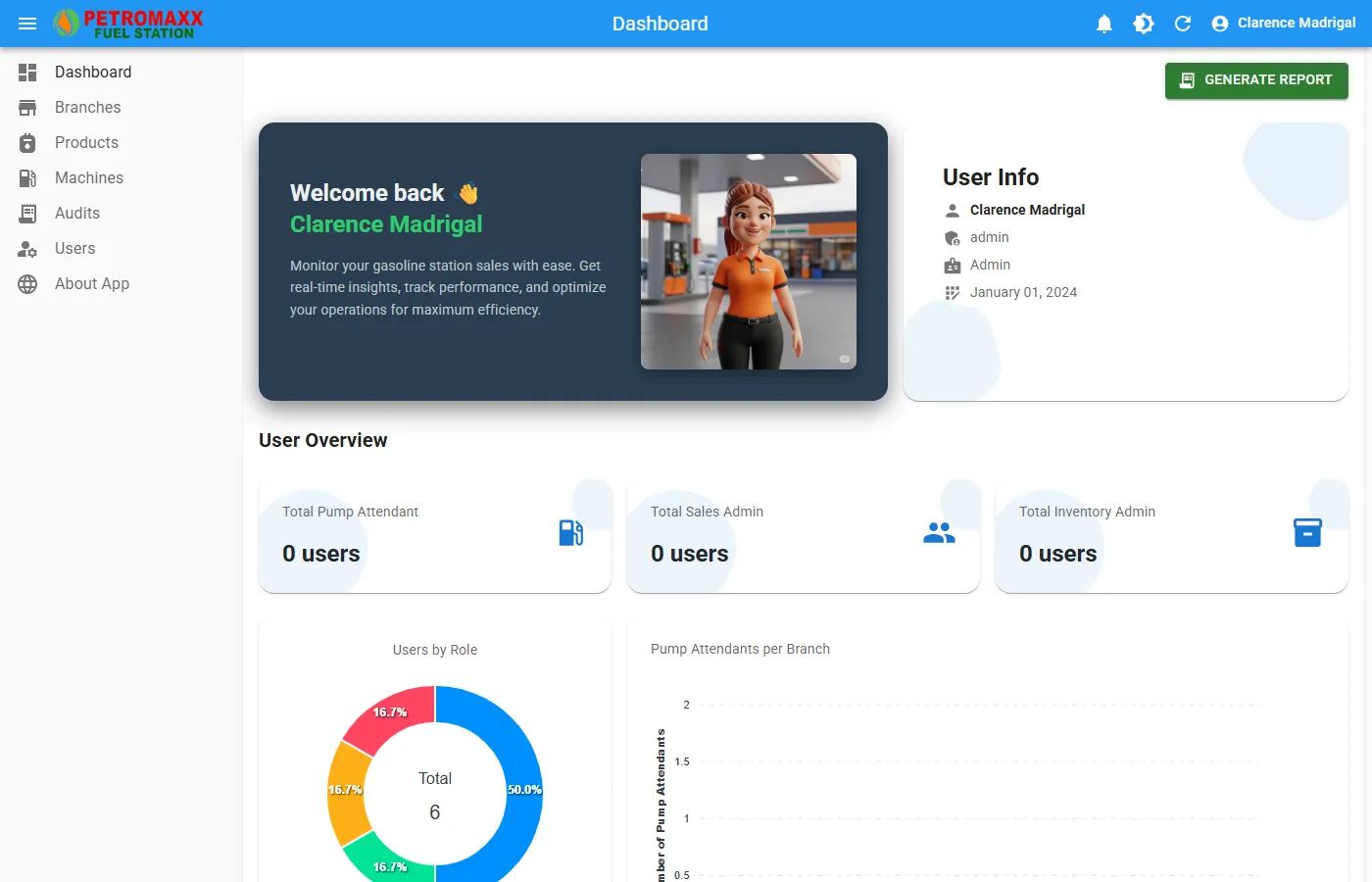
Applications, sales, attendance or inventory: one record, one trail, and a report that takes a click. Most of these replace forms, spreadsheets and a stack of folders.
What it handles.
- Applications and approvals
- Sales and inventory movements
- Attendance and time records
- Reports and exports
How it runs.
Scope the records, build the flow, hand over the system and the notes.
01
Scope the record
Who creates it, who approves it, what has to be kept for an audit.
02
Build the flow
Roles, forms, status changes and the reports behind them.
03
Run on real data
A working link every week, tested with the people who use it.
04
Handover
Code, database, deploy notes and a training session.
Questions.
What people ask before scoping this kind of build. If yours is not here, write to us.
What can a dashboard replace?
Usually a set of forms, spreadsheets and folders that hold the same record in three places. The dashboard keeps one record with its documents, approver, status and release date, and produces the report from that record.
Can it run without a reliable connection?
Yes. For field offices we build an install that runs on the local machine or network, keeps working when the connection drops, and syncs when it returns. The audit trail and the record survive the outage.
How do roles and approvals work?
Each role sees the records and actions it needs: intake, review, approval, release, or read-only reporting. Status changes and approvals are logged with the user and the time, so the trail is visible without asking who changed what.
What happens to our existing spreadsheets?
We import them, clean and validate the rows, and keep an export path back to a spreadsheet for the people who still need one. You do not have to retype the history to start using the system.
What is handed over at the end?
The code, the database, the deploy notes and a training session for the people who will run it. Support and maintenance are optional; the system is yours either way.